Planted Area
1. Go to the section FIELDS
2. Go to the field of which you want to start a task
3. Select the tulip beds you want to start the task on. Use the orange line around the tulip beds as an indicator for the Selector 180 to start turning. If this line is placed too close or far to or from the tulip beds, first adjust the planted area before creating a task.
4. Select the tulip beds you want to start the task on
5. Select planted-area at the bottom of your screen
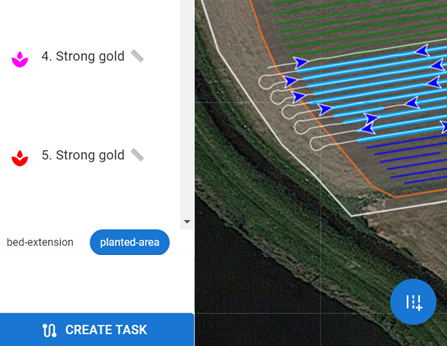
6. Click on CREATE TASK to create this task