Adjusting the planted area
In the app you can adjust the field and tulipbeds in the section FIELDS. It is possible to manually adjust the field boundaries.
1. Go to the section FIELDS
2. Go to the field of which you would like to adjust the boundary
3. Click on the blue icon saying “EDIT FIELD”
4. Click on ‘EDIT PLANTED-AREA’
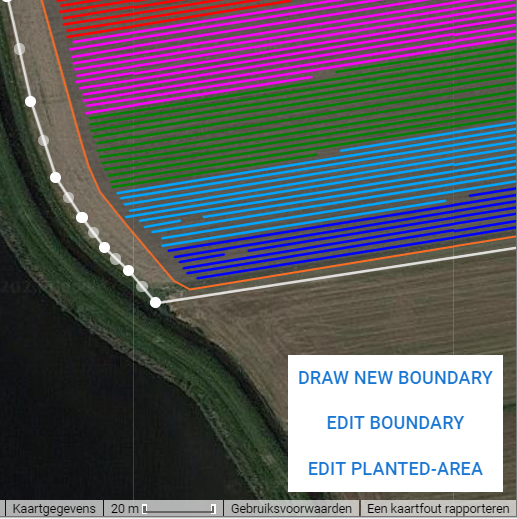
5. Just like the field boundary, you can also adjust the lines of the tulip beds. Select the area that the tulips are planted. In the right corner you can see a scale to estimate where the location of the tulip beds.
6. Click on SAVE to save the planted area